यह लेख अभी हिन्दी में उपलब्ध नहीं है, इसलिए इसे अंग्रेज़ी में दिखाया जा रहा है।
Instagram Content Protection: How to Stop People Stealing Your Videos
Instagram's new tool finds copies of your videos and lets you block them or add a credit link. How it works, who gets it and how to turn it on.
If you make videos for Instagram, you've probably seen your work reposted by someone else. Instagram is now rolling out a tool that finds those copies and lets you take them down, or turn them into free promotion. And Meta says a tool against AI-made copies is coming next. Here's how it works.
The new feature is called content protection, Digital Camera World reports. It searches Instagram for visual matches of your videos and flags suspected theft, so you don't have to hunt for reposts yourself.
Quick facts
- What: a tool that finds copies of your videos on Instagram
- Your options: block the copy, add a credit link back to you, just track it, or leave it alone
- Default: track only
- Works on: videos only for now, not photos
- Who gets it: creators who meet Meta's criteria for posting original content
- Next: a test against videos that keep your original audio but swap the video for an AI-generated version
- Already on Facebook: Meta has a similar tool there
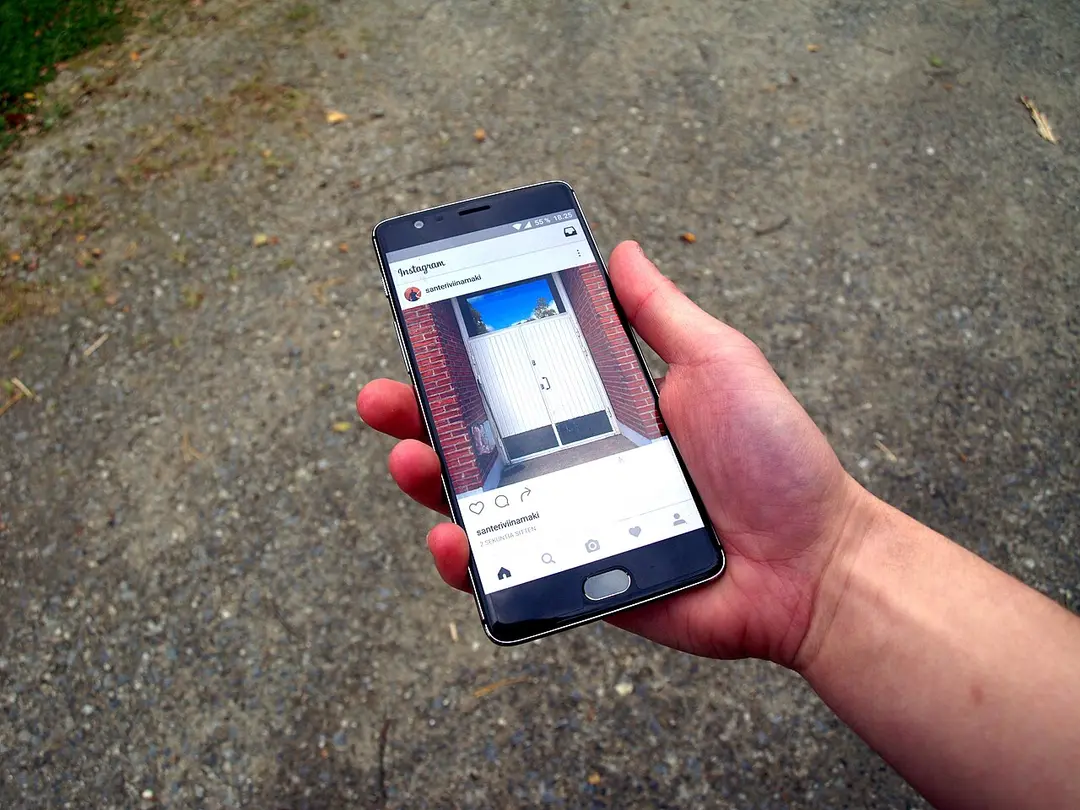
Instagram on a phone. Content protection scans the app for visual matches of your videos. (Photo: Santeri Viinamäki, CC BY-SA 4.0, via Wikimedia Commons)
How content protection works
Once you have access, Instagram looks for videos that visually match yours. When it finds one, you choose what happens:
- Block it: the copy is no longer visible on Instagram or Facebook.
- Add a credit link: the copy stays up but links back to your profile, which can send views your way.
- Track it: watch how the copy performs. This is the default.
- Release it: let the copy stay up untouched.
The credit link option is a smart one. Sometimes a big repost account can bring you new followers instead of stealing them.
Creators filming at an event. Content protection is meant to make sure original creators get the credit. (Photo: Solomon203, CC BY-SA 4.0, via Wikimedia Commons)
Who can use it?
Not everyone, yet. You need to meet a set of criteria designed to make sure the tool goes to creators who share original content. Some creators are enrolled automatically. Others can apply.
It also only works on videos for now. Photographers will have to wait for a version that covers still images.
How to check if you have it
- Open Instagram and go to your profile.
- Tap the menu (the three lines in the top corner).
- Tap Tools, then Your professional tools.
- Look for content protection. If it isn't there, you can apply for access.
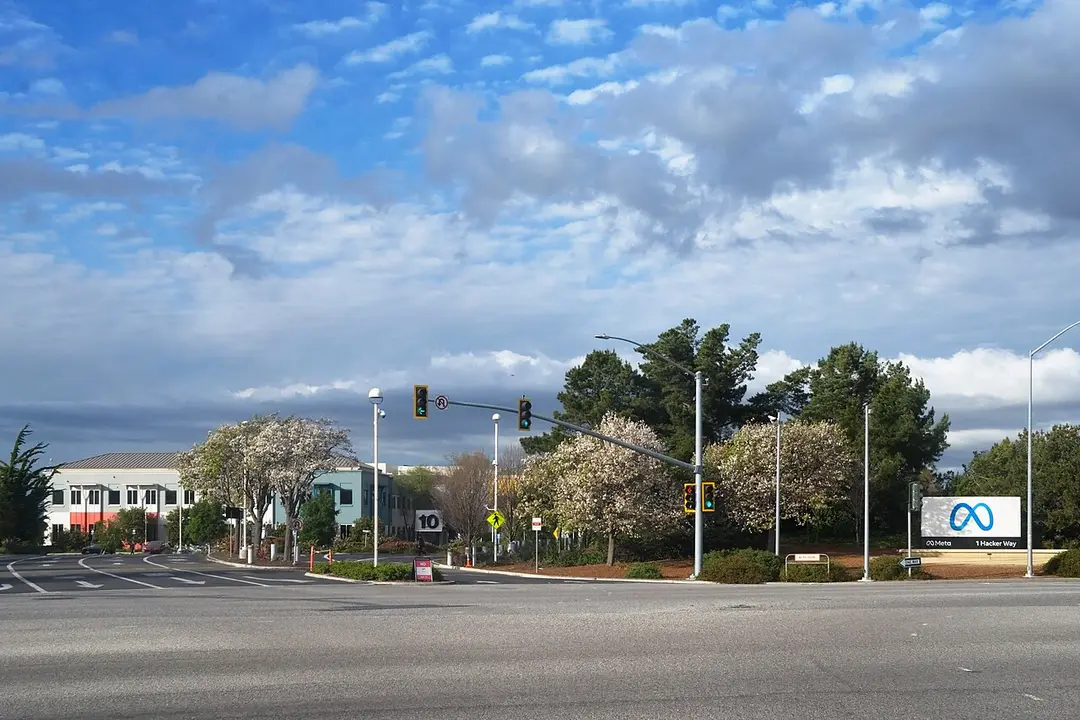
Meta's headquarters in Menlo Park, California. Meta already offers a similar tool on Facebook. (Photo: LPS.1, CC0, via Wikimedia Commons)
Next: fighting AI copies
The bigger change may be what's coming. Instagram is testing protection against a newer kind of theft: videos that use your original audio but replace the picture with an AI-generated version.
Meta also says it is "exploring different ways to limit the reach of content and profiles that use AI tools to post this type of content repeatedly." Meta already pushes unoriginal content down in its algorithm.
The Meta sign at 1 Hacker Way. Meta says it is exploring ways to limit accounts that repeatedly post AI-made copies. (Photo: Nokia621, CC BY-SA 4.0, via Wikimedia Commons)
Why it matters
For small creators, a stolen video can mean thousands of lost views and followers. A built-in tool that finds copies automatically, and lets you claim credit with one tap, is one of the most useful creator features Instagram has added in a while.
If you post original videos, check your professional tools today.